


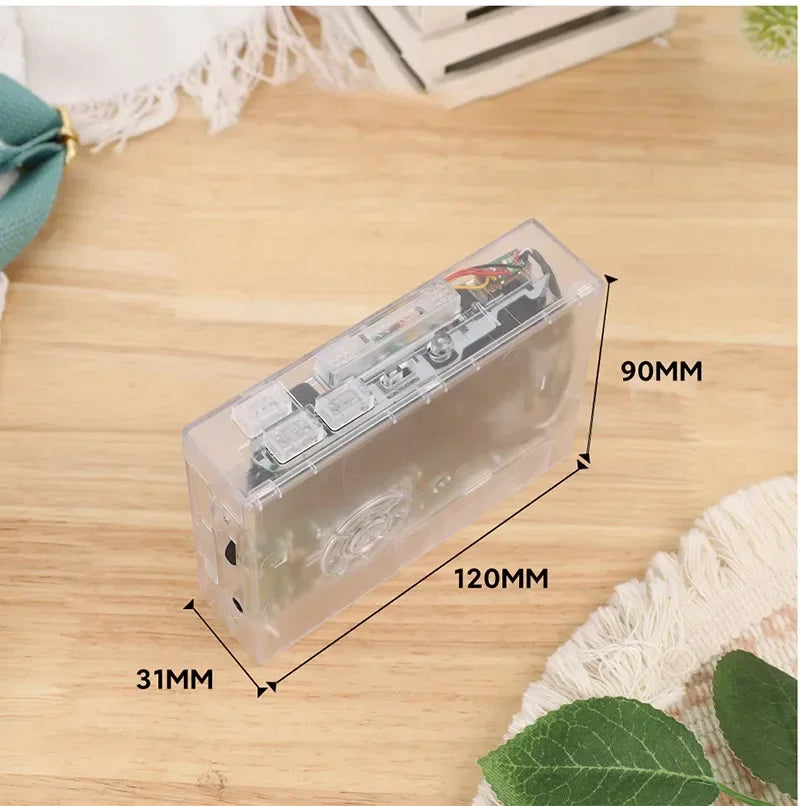

SPECIFICATIONS
Brand Name: OPUYYM
Certification: CE
High-concerned chemical: None
Inbox adaptor: No
Origin: Mainland China
Package: Yes
Power Source: Other
Tips
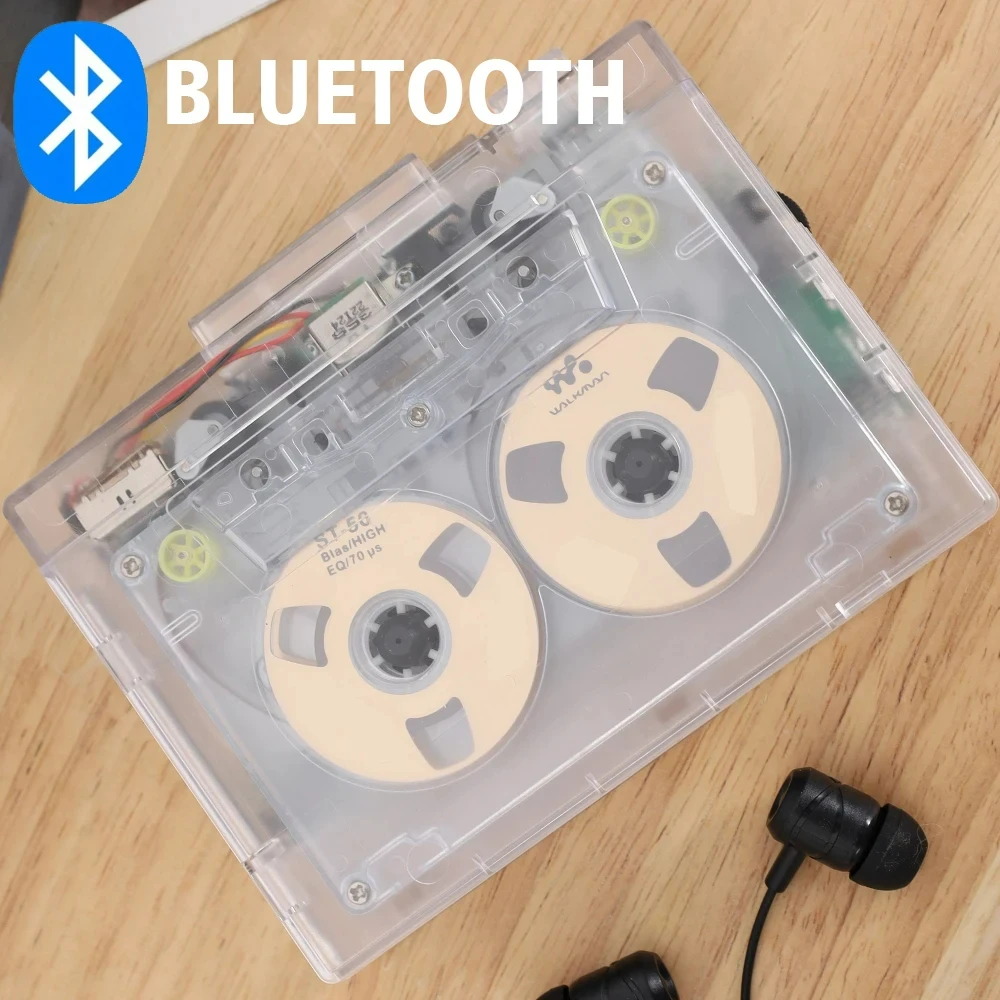
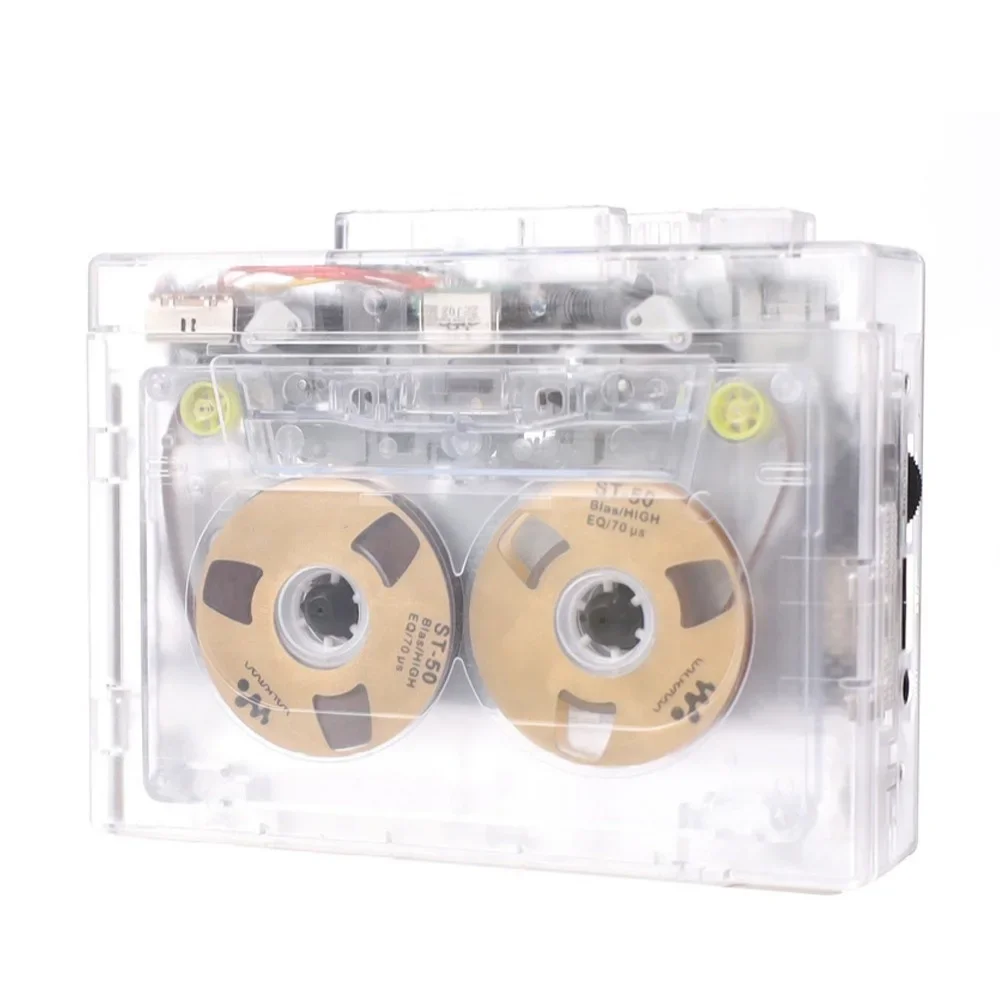
This product is a tape drive with Bluetooth function, when the Bluetooth function is turned on, in order to ensure the sound quality effect of tape playback and the stable connection status of Bluetooth, it is recommended to use the matching 3.7V lithium battery package or the matching power cord to power the tape drive. This product does not come with speakers.
Specifications
Input voltage: DC 5V (2 x AA batteries)
Output voltage :D C5V
OUTPUT CURRENT: <400MA
Output power: <2 W
Magnetic belt speed: 4.76±5% standard
Bluetooth version V5.0
Transmission distance: 10M (barrier-free)
Indication function: LED white light blue light
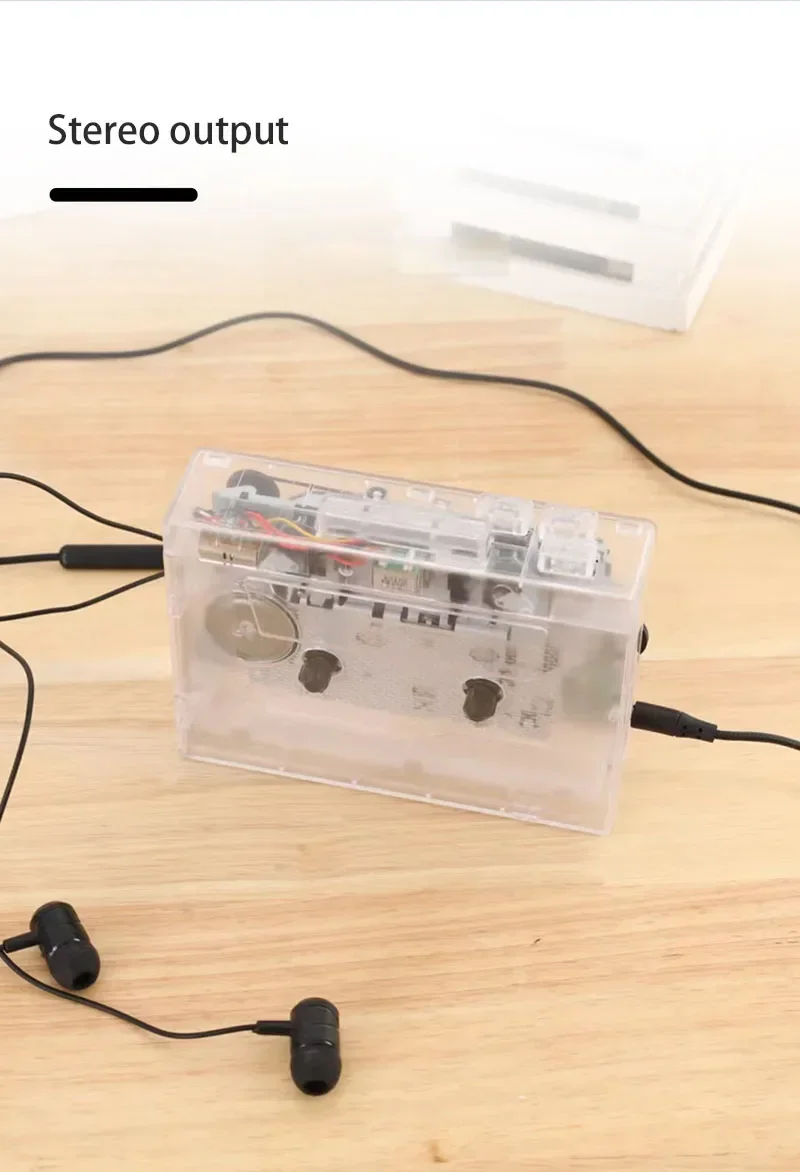
Audio track form: Two-channel stereo
"Note: Power supply mode
1. Use the matching DC 5 power cord for power supply, suitable for at home
2,2 x AA dry batteries, suitable for outdoor use (batteries not included in the product)
Operating instructions
How do I play a tape?
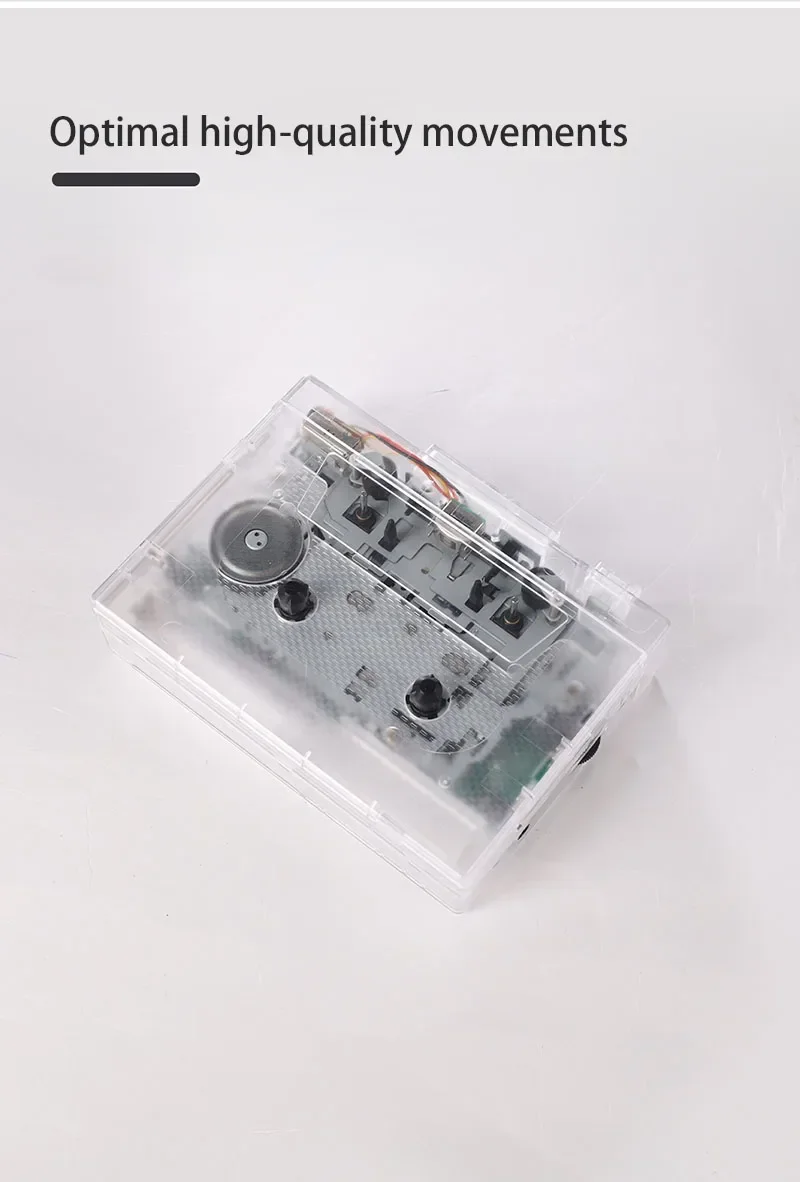
1. Headphone jack: Use the headphone socket to enjoy music
2. When playing music, you can use the volume control knob to adjust the volume
3. Press the "DIR" button to automatically reverse the tape
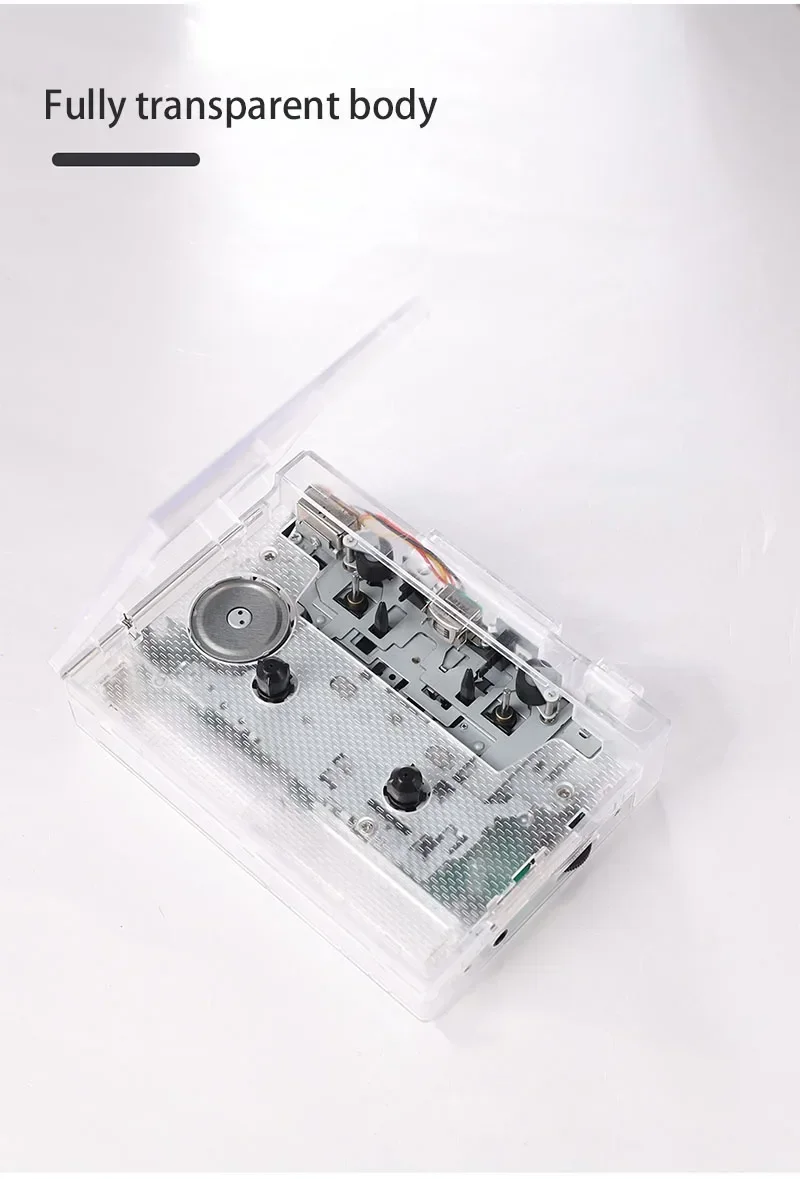
4. Press the "PLAY" button to play the tape
5. Playback Mode: Select the operation when the tape reaches the end of one end, when set to
When looping the icon position, the tape will automatically switch directions and start playing the opposite side when one side is finished, and when set to a single arrow icon, the tape will automatically stop playing the tape when playback is complete
6. Press the "F.F" button to fast-forward the tape
7. Press the "REW" button to rewind the tape
8. Press the "STOP" button to stop playing the tape
How do I connect a Bluetooth receiving device?
Please make sure that the Bluetooth receiving device is turned on.
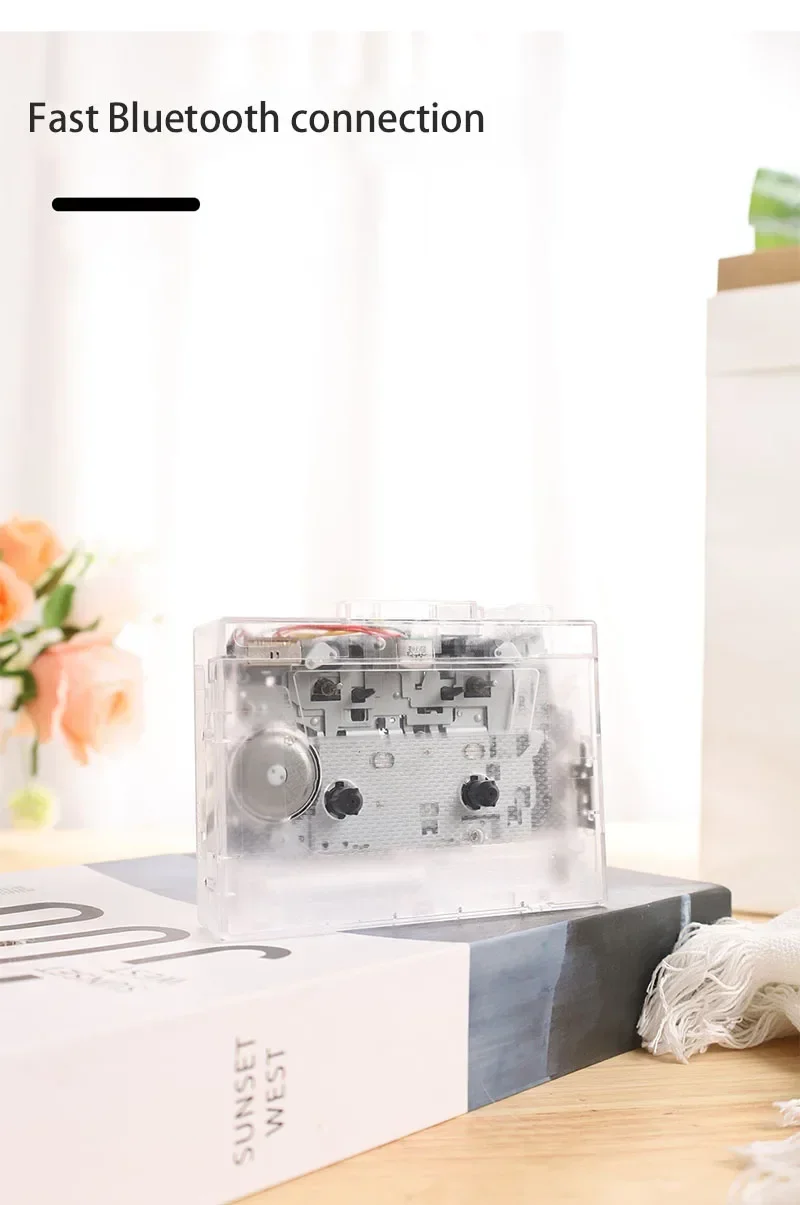
1. Long press the Bluetooth boot button for 3 seconds to turn on the Bluetooth function, the white LED light lights up and flashes quickly, automatically search and pair the Bluetooth receiver, when the device is successfully paired, the white LED light is always on, after loading the tape, press the "PLA Y button to play the tape, when the Bluetooth search pairing, the headset slot can not be inserted into the headset, otherwise it cannot be automatically searched.
2. Long press the Bluetooth power on button for 3 seconds to turn off Bluetooth, Bluetooth boot state, if there is no Bluetooth receiver connected for a long time, LED white light flash Bluetooth automatic shutdown.
How do I connect my phone Bluetooth and switch FM radio? (Note: K66-1 version only has mobile phone connection function)
1. Long press the Bluetooth boot button for 3 seconds to turn on the Bluetooth function, the white LED light lights up and flashes quickly, automatically search and pair the Bluetooth receiver, when the device is successfully paired, the white LED light is always on, after loading the tape, press the "PLA Y button to play the tape, when the Bluetooth search pairing, the headphone slot can not be inserted. Headset, otherwise it cannot be searched automatically.
2. When the voice prompts Bluetooth connection, turn on the Bluetooth of the phone, search and pair
Device name "HCO1" Bluetooth connection after successful LED blue light is always on, play music from the mobile phone through headphones or speakers with 3.5mm connector, short press the "+" or "-" button to switch songs, long press "+" or "one" to adjust the volume, or directly use the mobile phone to adjust the volume.
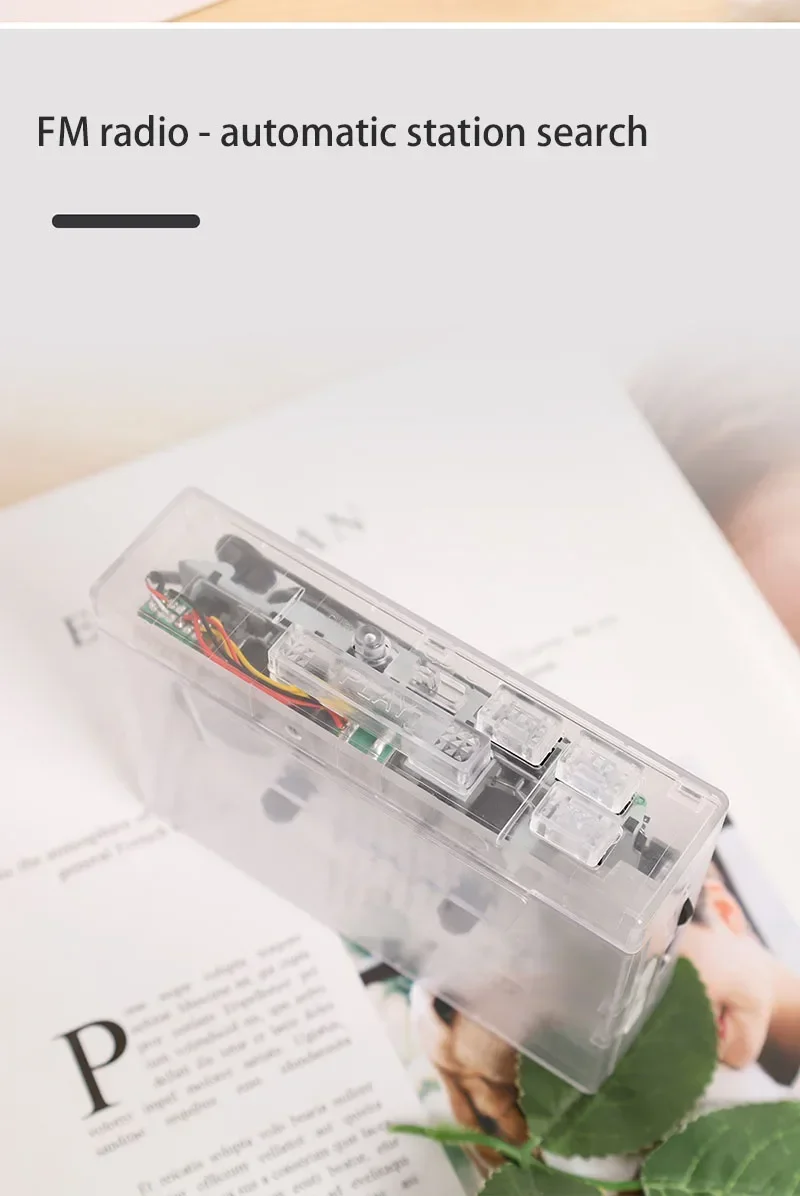
3. When using FM radio mode, press the symbol button to start automatic search and record broadcast channels, short press "+" or "-" to switch broadcast channels after channel recording, and long press "+" or "-" to adjust the volume.
4. When connecting to mobile phone Bluetooth or switching to FM radio, the tape cannot be played.
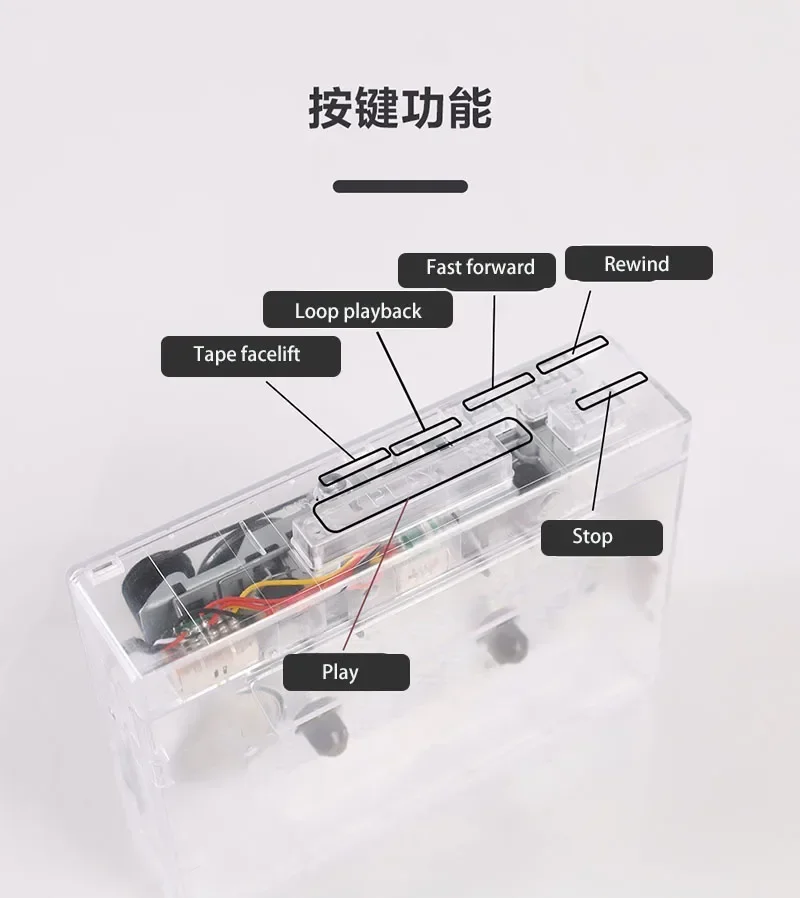
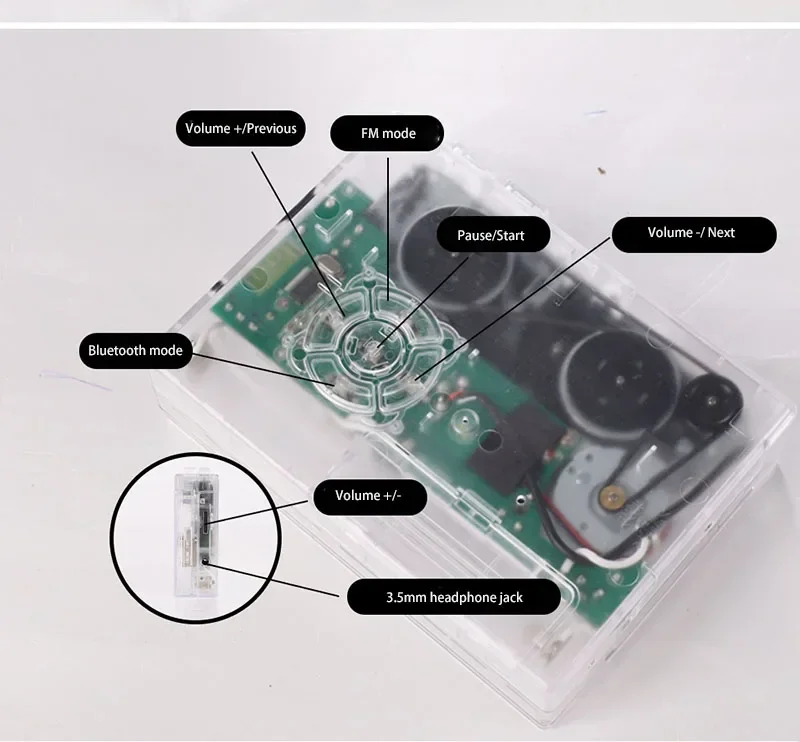
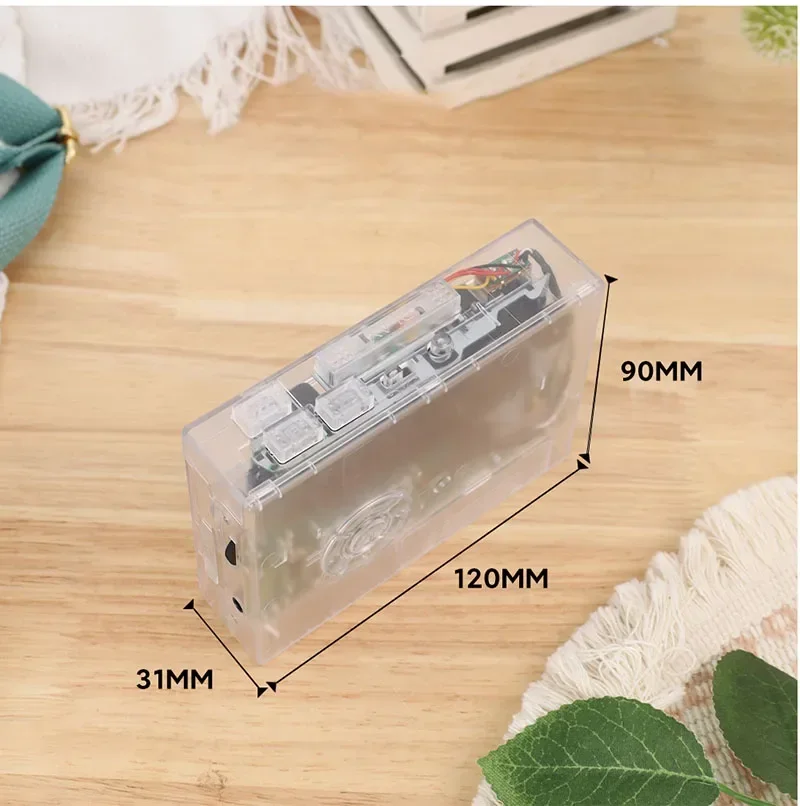
Instructions
How to play tapes?
1. Headphone jack: Use the headphone insert slot to enjoy music
2. When playing music, you can use the volume control knob to adjust the volume;
3. Press the "DR button to reverse the tape automatically;
4. Press the "PLAY" button to play the tape;
5. Play Mode: Select the operation when the tape reaches the end of one end, when set to the position of the loop icon, the tape will automatically switch directions, and start playing the opposite side after one side is played, when set to a single arrow icon, the tape will Automatically stop playing the tape after one side has finished playing;
6. Press the FF button to fast-forward the tape;
7. Press the "REW" button to rewind the tape;
8. Press the "STOP" button to stop playing the tape.
| Default Title |
Default Title |
|---|
Your Custom field here


![[AI Translator Earphone] ERAZER XF31 Bluetooth Translation Earbuds Sleep ASMR Headset DIY APP AI Wireless Headphones Open Back](http://supermalldeals.com/cdn/shop/files/S2ab58ad2462a41b19871910839725e4dk.webp?v=1735006925&width=165)


